

Inventory and stock alerts
Inventory and stock alerts for factories
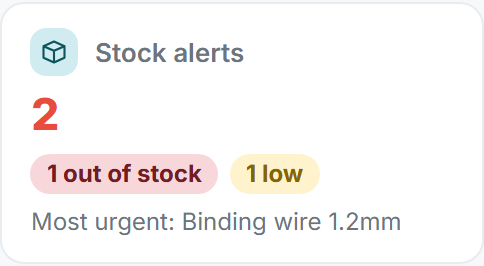
FactoryPulse AI tracks raw material and finished goods, keeps every stock movement on record, and flags items that are low or out of stock, with the most urgent first. You find out before production stops, not after.
Three kinds of stock movement
- Stock Entry: goods received or added.
- Consumption: material used up, with a reason.
- Adjust Stock: a correction after a count, increase or decrease, with a reason.
Alerts before you run out
Items that are low or out of stock are flagged on the dashboard and in the inventory list, with the most urgent shown first, so you can reorder before production stops.
A stock history that always adds up
Every movement is kept. To fix a mistake you add a correcting movement instead of editing the old one, so your stock history is complete.
Questions about the Tally connection
- How do stock alerts work?
- Items that are low or out of stock are flagged, with the most urgent shown first, so you can reorder before production stops.
- Can I track both raw material and finished goods?
- Yes. Inventory covers raw material and finished goods.
- How do I correct a stock mistake?
- Add an Adjust Stock movement, choose Increase or Decrease and give a reason. The old movement stays in the history.
- Who can change stock?
- People in the Production department, and administrators, as far as their permissions allow.