

Production tracking
Production tracking software for factories
FactoryPulse AI is where your team records what was made each day. Output shows by product, on the dashboard and in one list, so owners and managers know today’s production without asking. Your team types the entries; there is nothing to install on the shop floor.
Record a day’s output
- Open Production and choose the new-entry button.
- Choose the product and enter the quantity made.
- Save. The entry appears in the list and on the dashboard.
See it by product
- Daily output by product.
- Recent entries in one list.
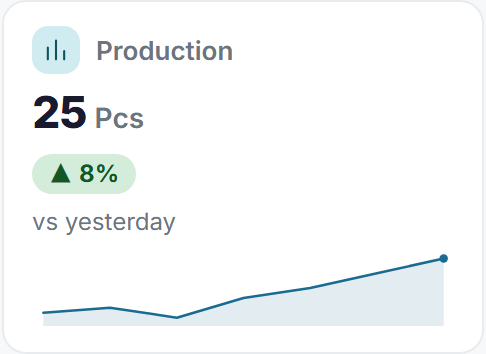
- Today compared with yesterday on the dashboard.
Link production to orders
When you record production you can link it to a customer order, so the order list shows how much is done.
Mistakes keep their history
If an entry is wrong, an administrator or someone with edit rights can correct it. Records are not erased, so who changed what stays visible. A product that is no longer made is deactivated, which keeps its history.
Questions about the Tally connection
- How do I record production?
- Open Production, choose the new-entry button, pick the product, enter the quantity made and save.
- Can I link production to a customer order?
- Yes. When you record production you can link it to an order, and the order list shows how much is done.
- What if an entry is wrong?
- An administrator or someone with edit rights can correct it. Records are not erased, so the history stays visible.
- Who can record production?
- People in the Production department, and administrators. What each person may do is set by their permissions.